
Pharmacy-chain ERP for Saudi Arabia

Run every branchlike one pharmacy.

Stock, sales, purchasing and cash for every branch, in one Arabic-first system with ZATCA and RSD built in.

Built for multi-branch pharmacies

Stock locatorLive
Amoxicillin 500 mg24 capsules
  • Central store84
  • Al Malqa36
  • Olaya12
Chain total132
Request transfer
TR-0248In transit to Olaya · 24 packs
INV-1027Simplified invoice Reported
PK0000248Pack serial Captured

For Saudi pharmacy operations

  • ZATCA e-invoicing
  • RSD track and trace
  • GS1 DataMatrix scanning
  • Arabic and English
  • Branch access by role
  • Approvals and audit trail

Where chains lose money

Where branches lose touch,costs add up.

  1. A pharmacy employee carrying a sealed carton from a delivery van into a branch at night01Stock

    Empty here, stocked next door

    Find stock at another branch before turning a patient away.

  2. A pharmacist pulling a medicine box forward on a shelf to check it02Expiry

    Expiry dates that go unnoticed

    Spot batches nearing expiry while you still have options.
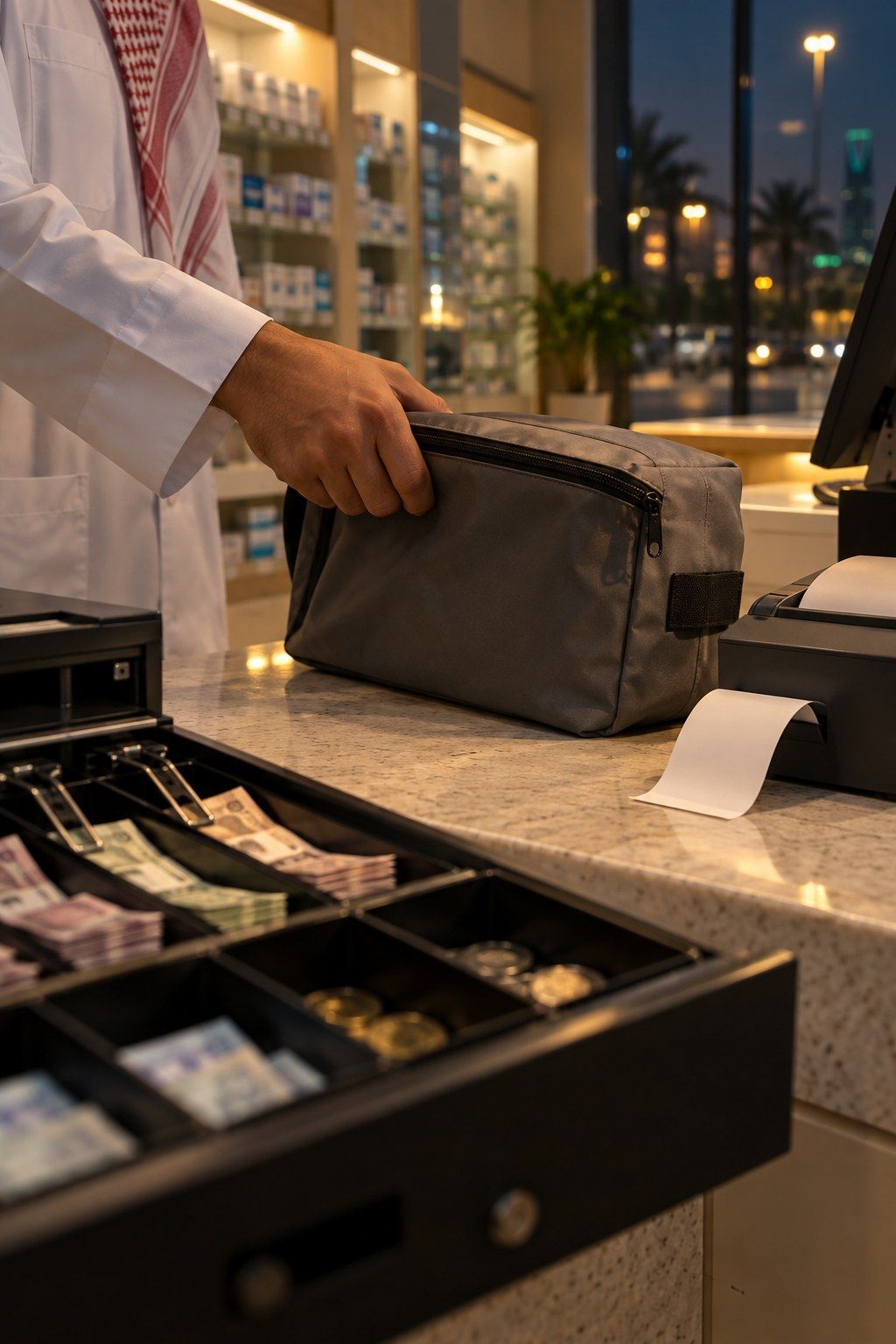
  3. A pharmacy checkout counter with a cash drawer and point-of-sale screen03Cash

    Cash differences you cannot explain

    Trace a cash difference to its shift and responsible person.

01 · Stock across the chain

Find stock across every branch

Check branch quantities by batch and expiry, then request a transfer.

  • Meet branch shortages

    Managers fulfil shortage requests through a transfer or purchase.

  • Trace each movement

    Trace batches between branches and see who moved them.

Example: request to receipt

  1. Requested: Olaya requests 24 packs from the central store.
  2. Approved: 24 packs reserved; 60 remain available.
  3. Dispatched: 24 packs dispatched and tracked in transit.
  4. Received: Receipt confirmed. Olaya now holds 36 packs.

02 · Point of sale

Keep the counter moving

Scan for the earliest-expiring batch. Hold carts until patients are ready.

  • Split payment across cash, card or customer credit.
  • Change the selected batch within your permissions.
  • Close each shift against counted cash and investigate differences.
A modern pharmacy interior with a checkout counter and a pharmacist helping a customer
SaleCart 1Cart 2
Scan or search
  • Amoxicillin 500 mgBatch B-2408 · Exp 12/2026×118.50
  • Paracetamol 500 mgBatch B-2391 · Exp 03/2027×212.00
  • Vitamin D3 1000 IUBatch B-2377 · Exp 08/2027×142.00

Earliest expiry selected

Total72.50 SAR
Cash30.00Card42.50
Complete sale

Shift open · Olaya · Drawer 2

A pharmacist handing a bag to a customer across the counter of a modern pharmacy
Noura A.05• ••• 4821 · LY-20418 Gold

Loyalty points

1,240

Balance owed

85.00 SAR

of 500.00 limit

Recent purchases

  • Olaya12 Oct146.50
  • Al Malqa28 Sep72.00
  • Olaya03 Sep214.25
Redeem 200 points

03 · Customers and loyalty

Recognise customers at every branch

Open any customer record by phone or loyalty number.

  • Points and purchase history

    Redeem points at checkout; loyalty tiers update with total spend.

  • Credit within limits

    Check credit limits and record repayments within the shift.

04 · Offers and incentives

Set offers and pharmacist incentives

Choose product discounts or bonus quantities, with dates and branches.

Active

Vitamin D3 1000 IU

Buy 2, get 1 free

Bonus quantity
Olaya, Al Malqa
1 to 31 Oct

Uses

318

Units moved

954
Pharmacist incentives · OctoberSAR 1.50 per unit sold
  • Dr. SaraOlaya86 units129.00Awaiting payout
  • Dr. FahadAl Malqa64 units96.00Awaiting payout
  • Dr. MonaHittin41 units61.50Paid out
Total this month286.50 SAR
  • Choose the incentive

    Reward units sold, a sales percentage or a quantity target.

  • Track each earning

    Check earnings against sales and export pharmacist results to CSV.

Marking earnings paid records the payout. Payment happens outside Kaveelo.

A central pharmacy store room with shelving and a trolley of sealed cartons

05 · Purchasing and receiving

Buy centrally, supply each branch

Combine branch requests and distribute deliveries where needed.

  1. 01

    Shortage

    Bring branch requests together to plan the next order.

  2. 02

    Purchase order

    Compare the supplier quote with the last purchase price.

  3. 03

    Receiving

    Scan arriving packs to capture batch, expiry and quantity.

  4. 04

    Distribution

    Allocate by shortage, sales velocity or an equal split.

PO-0184Outstanding 24

Supplier SUP-031 · Net 60

Ordered
120
Received
96
Outstanding
24
  • Match purchase invoices to received quantities.
  • Handle supplier returns through credit notes or replacements.

AI document reading

Read the invoice from a photo

Upload an invoice or delivery note. Review extracted rows and catalog matches before adding anything.

A pharmacist photographing a printed supplier invoice with a phone at the receiving counter 2 pages · Captured
Review 4 extracted rowsRead from 2 pages
  • Amoxicillin 500 mg · 24 capsulesQty 48 · Bonus 4 · B-2412 · 03/2027Matched
  • Paracetamol 500 mg · 20 tabletsQty 120 · Bonus 12 · B-2398 · 06/2027Matched
  • Omeprazole 20 mgQty 36 · Bonus 0 · B-2420 · 11/2026Choose pack
  • Vitamin C 1000 mg effervescentQty 24 · Bonus 2 · B-2433 · 09/2027New product
Apply 4 rows
  1. 1Capture

    Photograph or upload up to 5 pages in order.

  2. 2Review

    Choose matching products and uncheck rows you want to exclude.

  3. 3Apply

    Add rows to the draft receipt without changing PO prices.

Extracted data

  • Product
  • Quantity
  • Bonus
  • Batch
  • Expiry

Your administrator connects their own OpenAI account or a local connection. Scanned pages go only to that provider.

A pharmacist checking a medicine box on a shelf
Stocktake · OlayaBlind count

Items counted

412

Variances to review

6

06 · Expiry, returns and stocktakes

Act before a batch expires

Track near-expiry cases. Follow stock returns and financial settlement separately.

Near expiryAll branches · next 90 days
  • 28daysOmeprazole 20 mgB-2311 · Al MalqaSupplier return
  • 61daysCetirizine 10 mgB-2402 · OlayaSell first
  • 74daysAmoxicillin 500 mgB-2408 · Central storeTransfer

Ways to resolve a case

  • Supplier return
  • Recovery agreement
  • Controlled disposal

ZATCA and RSD

Handle ZATCA and RSD during work

Send invoices from the sale. Identify medicine packs by GTIN and serial number.

ZATCA

E-invoicing

Zakat, Tax and Customs Authority · Fatoora platform

  1. Invoice issuedAt the point of sale
  2. Signed with QRBy your registered device
  3. Reported or clearedSimplified reported, standard cleared
  • Register invoicing devices with OTP and renew their registration.
  • Check product tax readiness and retry submissions with a reason.

RSD

Track and trace

Saudi Food and Drug Authority (SFDA)

A pharmacist scanning the DataMatrix code on a medicine box

DataMatrix read

GTIN
06281234567890
Serial
PK0000248
Batch
B-2408
Expiry
2026-12-31
  • Scan packs at receiving, transfer and sale.
  • Monitor notifications and investigate exceptions.

Each pharmacy connects with its own ZATCA credentials and RSD registration. Kaveelo shows the real status of every submission and never marks an unknown result as accepted.

07 · Money and control

Know who holds the cash

Follow cash handovers and manage access across branches.

A pharmacy chain operations manager reviewing a laptop in an office overlooking Riyadh
Treasury and cash custodyUnder review

Olaya · Drawer 2 Main vault

Sent
4,250.00
Counted
4,240.00
Variance
-10.00

Record counted cash at each handover and resolve differences.

Account balances

Check supplier, customer and staff balances against their statements.

Approvals

Sensitive actions need approval; nobody can approve their own request.

Roles and permissions

Assign users the permissions and branches their work requires.

Audit trail

See who changed each record, with location and time.

Reports with source documents

Open the underlying transaction to explain any report figure.

Also in Kaveelo

More for your pharmacy

  • Catalog and prices

    Validate imports, generate product codes and approve price changes.

  • Batch controls

    Quarantine batches to block sales, or prioritise them for sale.

  • Stock value by batch

    Value each batch using its actual cost at receipt.

  • Printed documents

    Print invoices and stock documents, along with product labels.

  • Customer returns

    Find the original sale and submit the refund for approval.

  • Alerts

    Check stock warnings by severity to prioritise your response.

Arabic first

Arabic first, English when you need it

Choose either language on every screen, with right-to-left Arabic.

تحويل مخزونمعتمد
من
المستودع المركزي
إلى
العليا
الكمية
24 عبوة
Stock transferApproved
From
Central store
To
Olaya
Quantity
24 packs

Switching from another system

Bring your stock into Kaveelo

Import products and opening stock, with errors flagged by row.

  1. 1

    Import products

    Preview your spreadsheet to catch duplicate products and invalid entries.

  2. 2

    Capture opening stock

    Take a branch snapshot with batch, expiry and cost.

  3. 3

    Resolve held rows

    Check missing expiry dates, conflicting costs or unapproved zero costs.

  4. 4

    Activate posting

    The owner activates posting; ready rows and later corrections post automatically.

Opening stock review1,248 rows

Olaya · snapshot 14 Oct

Ready
1,198
Held
38
Excluded
12

Held for review

  • Cetirizine 10 mgB-2402Missing required expiry
  • Omeprazole 20 mgB-2311Conflicting cost
  • Vitamin C 1000 mgB-2433Zero cost needs approval
Activate automatic posting Owner only · recorded once per snapshot

We agree the source system and migration scope with you before starting.

Getting started

How we start together.

  1. 1

    Talk to us

    Tell us how your team works across branches.

  2. 2

    Set up your chain

    We configure branches and user access, then prepare imports.

  3. 3

    Connect ZATCA and RSD

    Complete device and facility setup while checking registration status.

  4. 4

    Go live branch by branch

    Start at one branch and expand at your team's pace.

Questions

Questions before you get started

Can a single pharmacy use Kaveelo?

Yes. Start with one pharmacy and add branches later.

Which ZATCA invoices are supported?

Simplified invoices are reported and standard invoices cleared, using your own ZATCA credentials.

What do we need for RSD?

Your facility needs an active RSD registration.

Can we import our current data?

Yes. Products and opening stock import with row-by-row checks before anything goes live.

Book a demo

See Kaveelo on your own workflow

Answer three questions to prepare your WhatsApp demo request.

Step 1 of 3How many branches?